
Step 1: Complete Installation
Before accessing the dashboard, ensure that the SmartSite CMS installation is successfully completed. If you're unsure about the installation process, refer to the Installation Guide section of the documentation.
Step 2: Access the Dashboard
- Open a web browser and navigate to your CMS dashboard login page by typing the following URL:
your-web-site-link/admin - Replace your-web-site-link with your website's actual domain name.
- For example: If your domain is example.com, the dashboard URL will be: example.com/admin
Step 3: Login to the Admin Dashboard
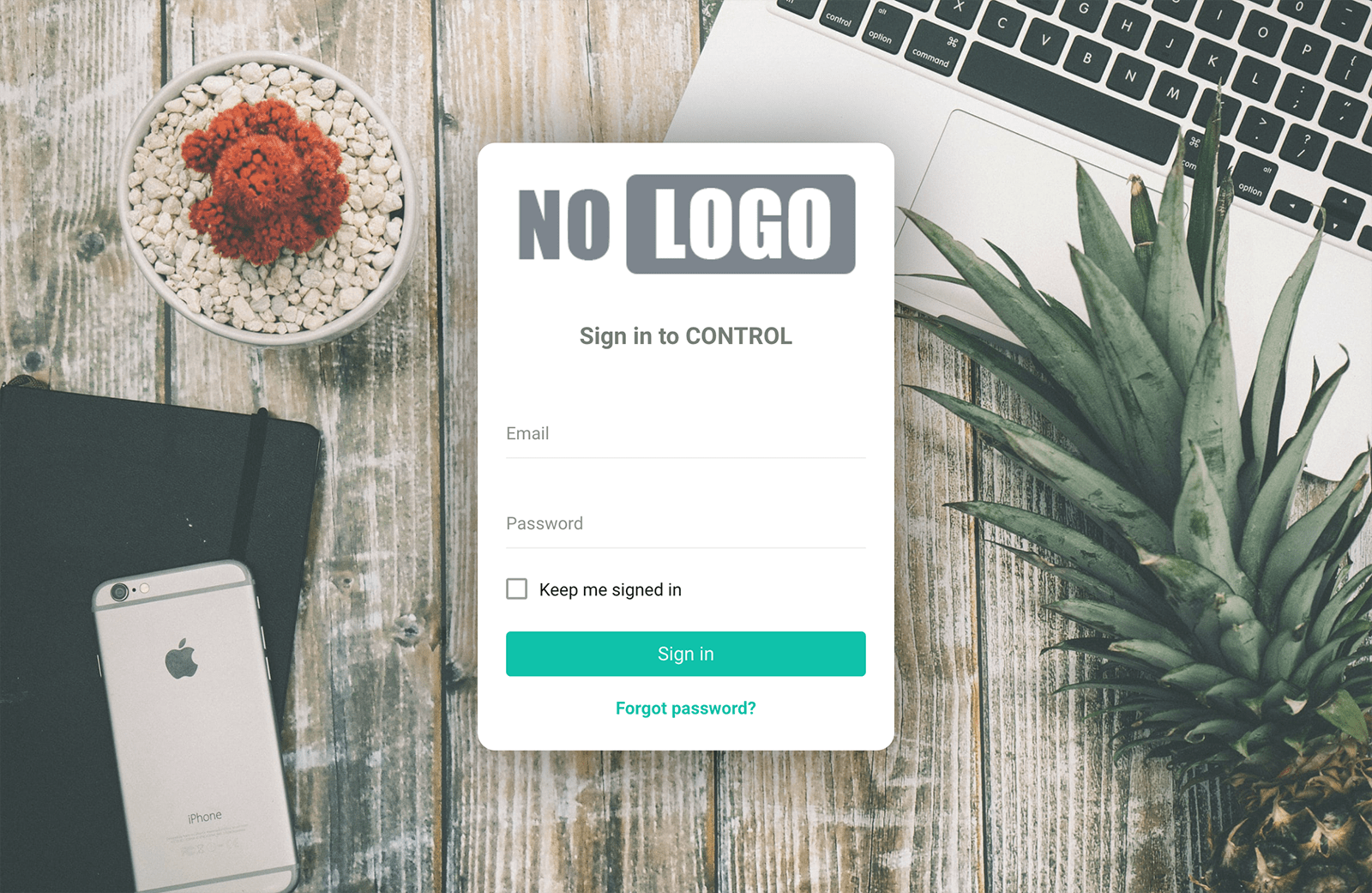
When you visit the admin URL, you will see the login page. Follow these steps to log in:
Enter the default administrator email and password:
- Email: admin@site.com
- Password: admin
Then click the Login button to proceed.
Important
For security purposes, it is highly recommended to change the default password after your first login.